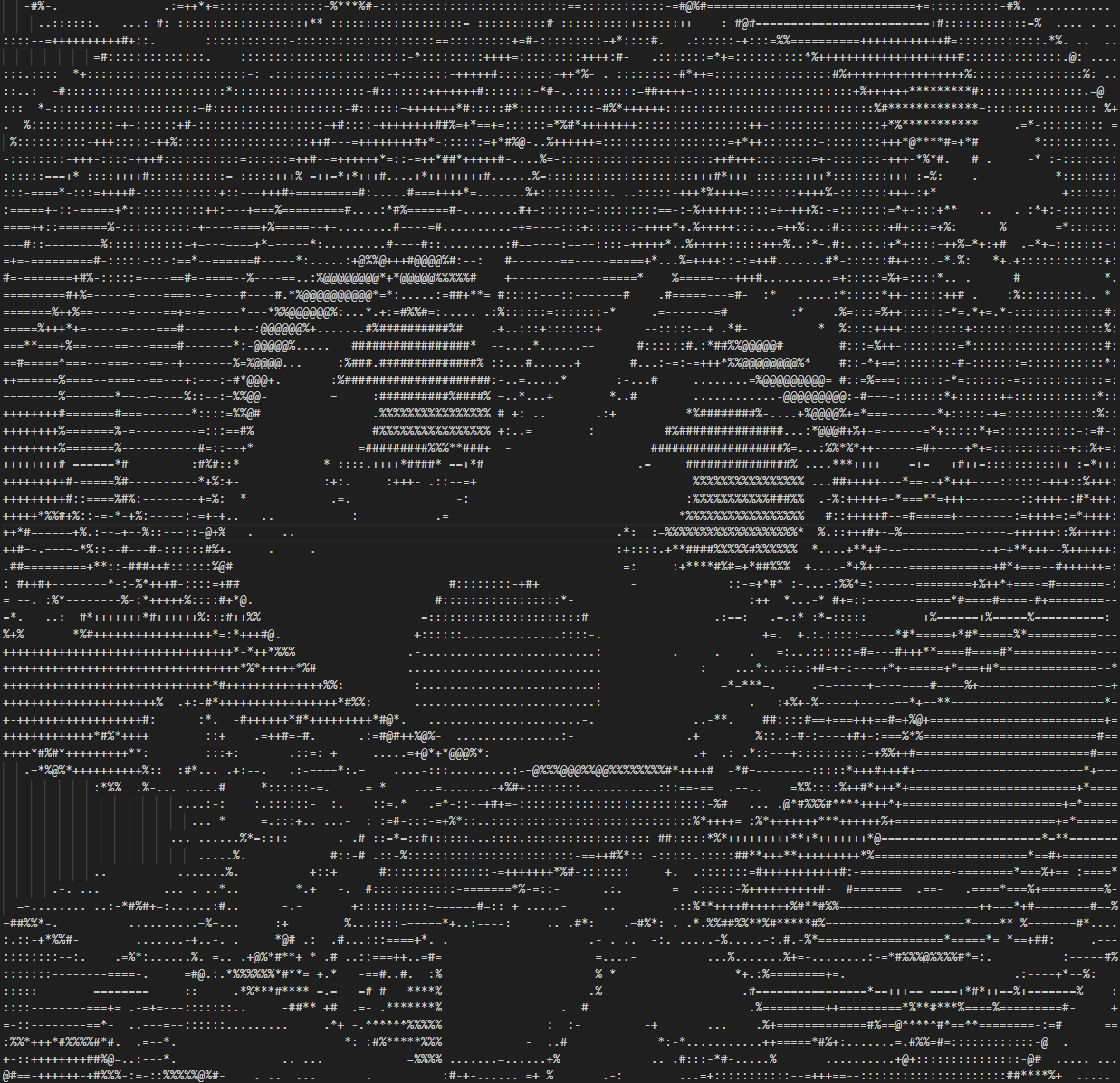
1
2
3
4
5
6
7
8
9
10
11
12
13
14
15
16
17
18
19
20
21
22
23
24
25
26
27
28
29
30
31
32
33
34
35
36
37
38
39
40
41
42
43
44
45
46
47
48
49
50
51
52
53
54
55
56
57
58
59
60
61
62
63
64
65
66
67
68
69
70
71
72
73
74
75
76
77
78
79
80
81
82
83
84
85
86
87
88
89
90
91
92
93
94
95
96
97
98
99
100
101
102
103
104
105
106
107
108
109
110
111
112
113
114
115
116
117
118
119
120
121
122
123
124
125
126
127
128
129
130
131
132
133
134
135
136
| from PIL import Image
import argparse
import os
def image_to_ascii(image_path, output_width=1500, aspect_ratio=0.5,
chars="@#S%?*+;:,. ", output_file=None, max_output_width=None):
"""
将图像转换为ASCII艺术
参数:
- image_path: 输入图片路径
- output_width: 输出ASCII艺术的宽度(字符数)
- aspect_ratio: 高宽比调整因子,通常0.4-0.6
- chars: 用于表示灰度的字符序列(从暗到亮)
- output_file: 输出文件路径,如为None则打印到控制台
- max_output_width: 最大输出宽度,用于控制台显示限制
"""
try:
img = Image.open(image_path)
except Exception as e:
print(f"无法打开图像: {e}")
return None
width_percent = output_width / float(img.size[0])
output_height = int(float(img.size[1]) * float(width_percent * aspect_ratio))
img_resized = img.resize((output_width, output_height), Image.NEAREST)
img_gray = img_resized.convert("L")
pixels = img_gray.load()
ascii_chars = list(chars)
chars_count = len(ascii_chars)
result_lines = []
for i in range(output_height):
line = ""
for j in range(output_width):
gray = pixels[j, i]
index = min(int(gray / 255 * chars_count), chars_count - 1)
line += ascii_chars[index]
result_lines.append(line)
if max_output_width and max_output_width < output_width:
trimmed_lines = []
for line in result_lines:
for i in range(0, len(line), max_output_width):
trimmed_lines.append(line[i:i+max_output_width])
result_lines = trimmed_lines
result = "\n".join(result_lines)
if output_file:
try:
with open(output_file, 'w', encoding='utf-8') as f:
f.write(result)
print(f"ASCII艺术已保存到: {output_file}")
except Exception as e:
print(f"保存文件时出错: {e}")
return None
else:
print(result)
return result
def main():
"""主函数,处理命令行参数"""
parser = argparse.ArgumentParser(description='将图像转换为ASCII艺术')
parser.add_argument('image_path', help='输入图像路径')
parser.add_argument('-w', '--width', type=int, default=15,
help='输出宽度(字符数),默认1500')
parser.add_argument('-a', '--aspect', type=float, default=0.5,
help='高宽比调整因子,默认0.5')
parser.add_argument('-c', '--chars', default="@#S%?*+;:,. ",
help='灰度字符序列(从暗到亮)')
parser.add_argument('-o', '--output',
help='输出文件路径(如不指定则打印到控制台)')
parser.add_argument('-m', '--max-width', type=int,
help='最大输出宽度(用于控制台显示限制)')
args = parser.parse_args()
if not os.path.exists(args.image_path):
print(f"错误: 文件 '{args.image_path}' 不存在")
return
image_to_ascii(
image_path=args.image_path,
output_width=args.width,
aspect_ratio=args.aspect,
chars=args.chars,
output_file=args.output,
max_output_width=args.max_width
)
def example_usage():
"""示例用法"""
result = image_to_ascii("exapmple.jpg")
image_to_ascii("exapmple.jpg", output_file="ascii_art.txt")
image_to_ascii(
image_path="exapmple.jpg",
output_width=800,
aspect_ratio=0.4,
chars="@%#*+=-:. ",
output_file="custom_ascii.txt",
max_output_width=100
)
|